Tabletop Simulator (TTS) Export
4.1 Export from Cider
To prepare your cards for Tabletop Simulator, go to File > Export Cards. With Card Sheet selected, also select Tabletop Simulator in the dropdown.
Selecting the TTS option automatically adjusts critical settings:
- Card Margins and Paper Margins are set to 0.
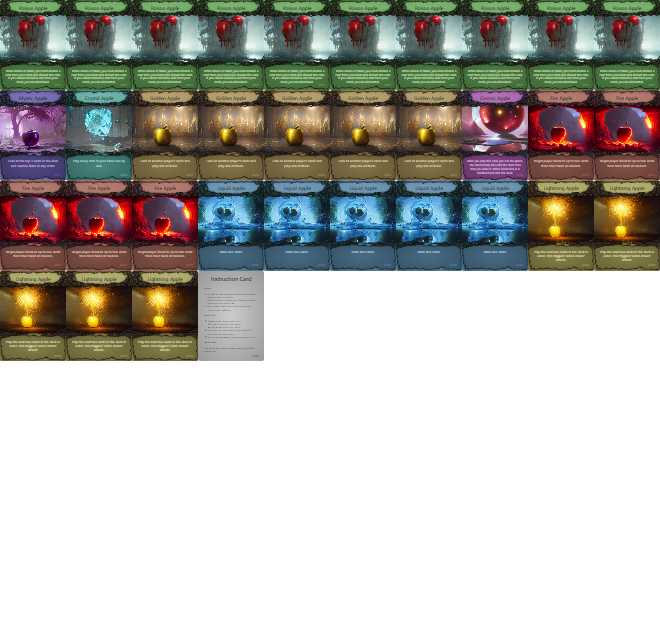
- The system calculates optimal sheet sizes to fit a maximum number of cards, typically aiming for the TTS standard of 69 cards per sheet (a 10x7 grid, with 1 blank space).
- It disables the back-side preview, as TTS imports backs separately.

Max TTS Pixels Setting
By default TTS recommends sheet images no larger than 4096 x 4096 pixels (Tabletop Simulator max pixels). However, on some systems, large images might still be supported. The Max TTS Pixels setting in Cider lets you override the 4096 max pixel limit and set it to a larger value (or lower for performance testing). This value directly controls the scaling (pixelRatio) used when rendering the sheet image.

Exported Image
4.2 Import into Tabletop Simulator
Start up Tabletop Simulator and go to Objects > Components > Cards > Custom Deck.
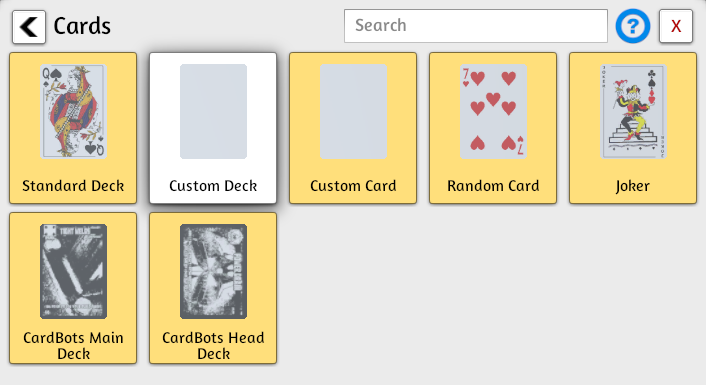
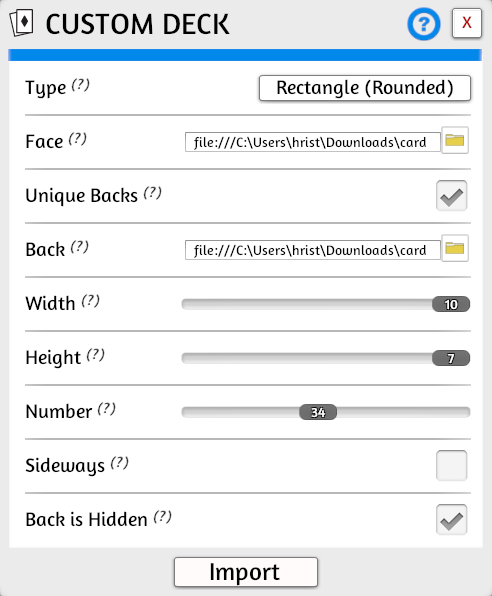
Use the below settings to import your card sheets. Make sure to select your sheet-front-* image in Face and your sheet-back-* image in Back. If your export included more than 69 cards, then you will have to create several custom decks. Once created you can combine the cards into a single deck.
Make sure to set the Number of cards in the sheet.
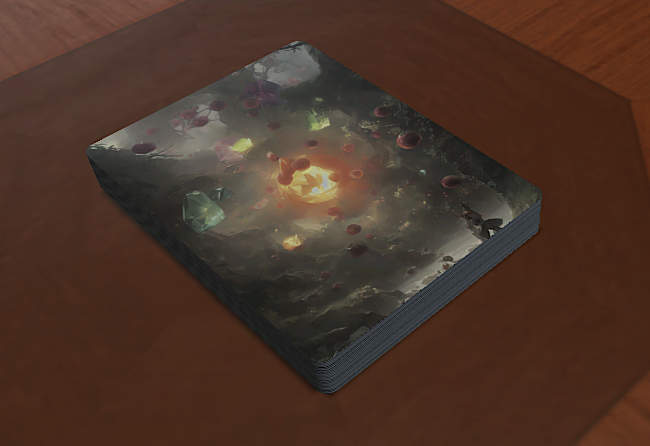
Congratulations you have imported your cards into TTS.